The HP Sprocket Studio Plus 4x6 Wireless Instant Photo Printer review is for anyone who wants to turn phone photos into larger prints without sending them to a separate photo service.
Its wireless app workflow and creative editing tools make it a practical fit for albums, family occasions, and projects where you want to personalize images before printing.
Sprocket Studio Review Summary
The quick verdict
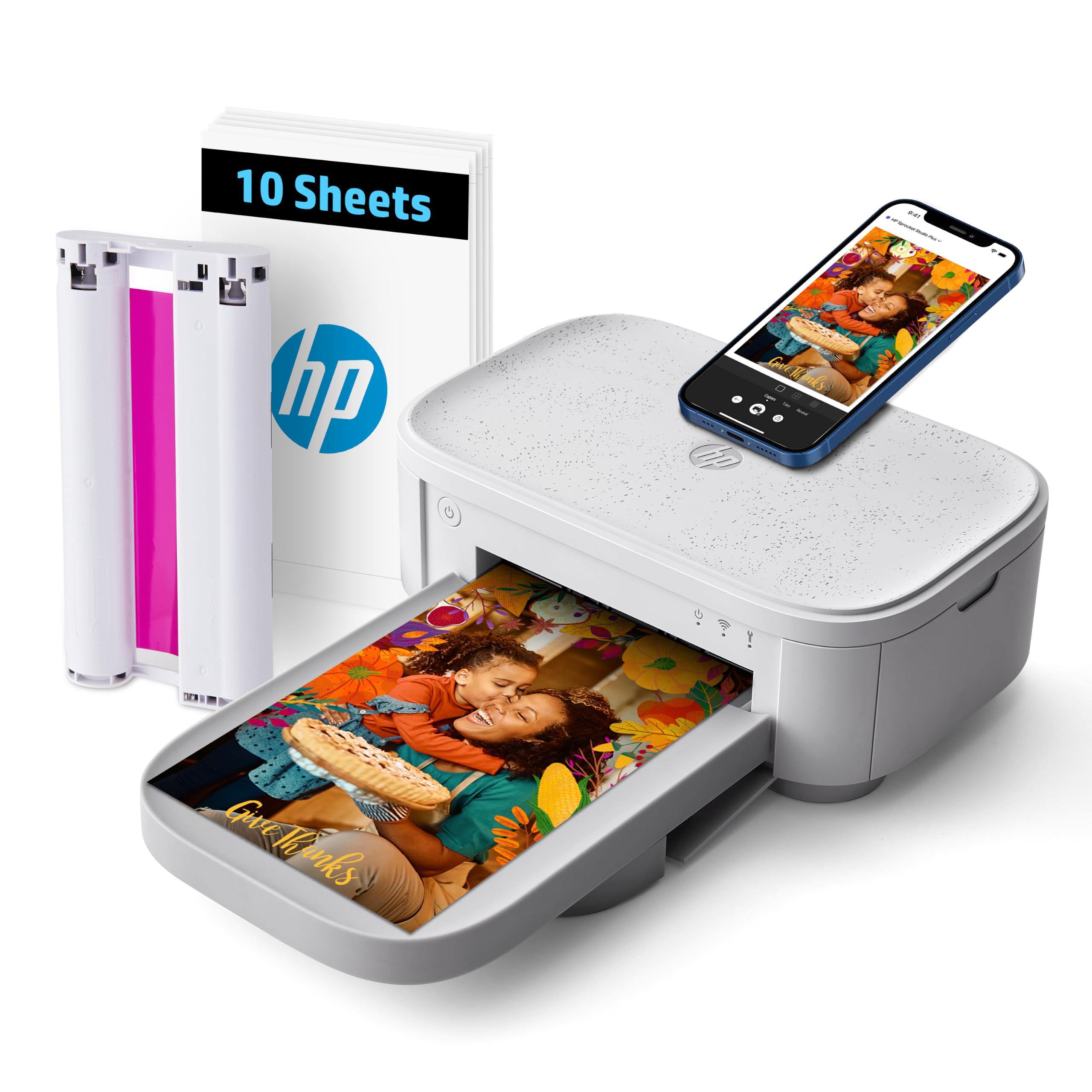
800+ ratings
Read Amazon ReviewsHP Sprocket Studio Plus
A home photo printer for smartphone users who want customizable 4x6 prints with a dry-to-touch finish and protective paper.
- Prints color photos at 4x6 inches directly from a smartphone.
- Connects to a Wi-Fi-enabled printer through the HP Sprocket app.
- The app offers stickers, frames, filters, and other customization before printing.
- Supports creative formats and uses such as collages, photobooth images, and photo IDs.

Pros
- Standard 4x6 prints suit albums, frames, and sharing physical photos.
- Wi-Fi and an app keep the process centered on a smartphone.
Consider before buying
- The included 10 sheets make this a modest starter pack; frequent printing may call for additional supplies.
- The workflow depends on a smartphone and the HP Sprocket app, so check app compatibility with your device before buying.
Read the full review summary
The Sprocket Studio Plus focuses on a familiar job: printing 4x6-inch color photos from a smartphone at home.
Its Wi-Fi connection and companion app put selection and simple creative edits in the same workflow, while the included starter paper and cartridge let you begin with a small batch.
Its strongest appeal is the combination of standard photo size, app-based customization, and paper described as tear-resistant, smudge-proof, and waterproof. That makes it worth considering for casual home printing and memory keeping.
Before choosing it, check whether the included starter supplies suit your expected print volume and whether the app’s editing options match the styles you want.
The buying factors
Sprocket Studio Scorecard
Editorial scores reflect listed features and buyer fit; they are not laboratory measurements or customer ratings.
Everyday 4x6 printing
The printer is designed specifically for standard 4x6-inch color photos from a smartphone.
Wireless convenience
Wi-Fi and the HP Sprocket app provide a phone-centered print workflow.
Creative editing
The app supports additions such as stickers, frames, and filters before printing.
Print durability design
The supplied paper is described as tear-resistant, smudge-proof, and waterproof.
Starter supply capacity
The package includes 10 sheets and a cartridge, a useful starting point for occasional printing.
Use-case flexibility
The app’s described options include collages, photobooth-style images, and photo IDs.
Key Features and Specifications of Sprocket Studio
- Prints color photos at 4x6 inches directly from a smartphone.
- Connects to a Wi-Fi-enabled printer through the HP Sprocket app.
- The app offers stickers, frames, filters, and other customization before printing.
- Supports creative formats and uses such as collages, photobooth images, and photo IDs.
- Uses dye-sublimation printing and is described as producing dry-to-the-touch photos.
- The included paper is described as tear-resistant, smudge-proof, and waterproof.
- The package includes 10 sheets of photo paper and a cartridge.
Pros and Cons of Sprocket Studio
Pros
- Standard 4x6 prints suit albums, frames, and sharing physical photos.
- Wi-Fi and an app keep the process centered on a smartphone.
- Editing tools let users personalize pictures before sending them to print.
- Protective paper characteristics suit prints that may be handled or kept as mementos.
Consider before buying
- The included 10 sheets make this a modest starter pack; frequent printing may call for additional supplies.
- The workflow depends on a smartphone and the HP Sprocket app, so check app compatibility with your device before buying.
- The described design is for home use; buyers who need to print away from an outlet should confirm the power arrangement meets their needs.
Who Should Buy Sprocket Studio?
Good fit
Consider the Sprocket Studio Plus if you often take photos on your phone and want a straightforward route to 4x6 prints at home.
The Wi-Fi connection and app-based editing are useful when you want to choose a photo, add a frame or filter, and print without moving the image to a computer first.
It also makes sense for people who enjoy making albums, collages, or small photo projects.
The paper’s stated resistance to water, smudging, and tearing is appealing for prints that will be handled, while the dry-to-touch finish is convenient when collecting prints.
The included paper and cartridge give you a starting supply. If you plan to print often, compare the cost and availability of compatible replenishment supplies before committing, and make sure the app supports your phone.
Who should skip it
Look elsewhere if you need a large initial paper supply or expect to print in high volume right away; the package includes 10 sheets, so it is oriented toward getting started rather than a large print run.
It may be a poor fit if you want to print without using a smartphone app or need a travel-first setup. Confirm the connection and power requirements against your routine before choosing.
How the HP Sprocket Studio Fits Home Photo Printing
A phone-first path to 4x6 prints
The Sprocket Studio Plus is built around selecting photos on a smartphone and printing them over Wi-Fi. That keeps the process convenient for people whose pictures already live on their phones.
It is a focused option for personal snapshots rather than a general-purpose document printer.
Creative control before printing
Stickers, frames, filters, and other edits give users room to make a picture feel more personal before it becomes a physical print. Collage and photobooth-style options broaden the kinds of projects it can support.
If you have a particular layout or editing style in mind, check that the app provides the controls you need.
Paper and finish for keepsakes
The paper is described as waterproof, smudge-proof, and tear-resistant, while prints are described as dry to the touch. Those qualities suit photos intended for handling, albums, or display.
They are design claims about the materials, so careful storage and handling still make sense for keepsakes.
Starter supplies and print planning
Ten sheets and a cartridge are enough to begin exploring the printer, but buyers who print regularly should plan for replenishment.
Thinking about your typical monthly print volume can help you decide whether this starter bundle aligns with your routine. Check compatible supply availability before making the printer part of an ongoing photo workflow.
Alternatives to Sprocket Studio
Desktop Photo Printers alternative
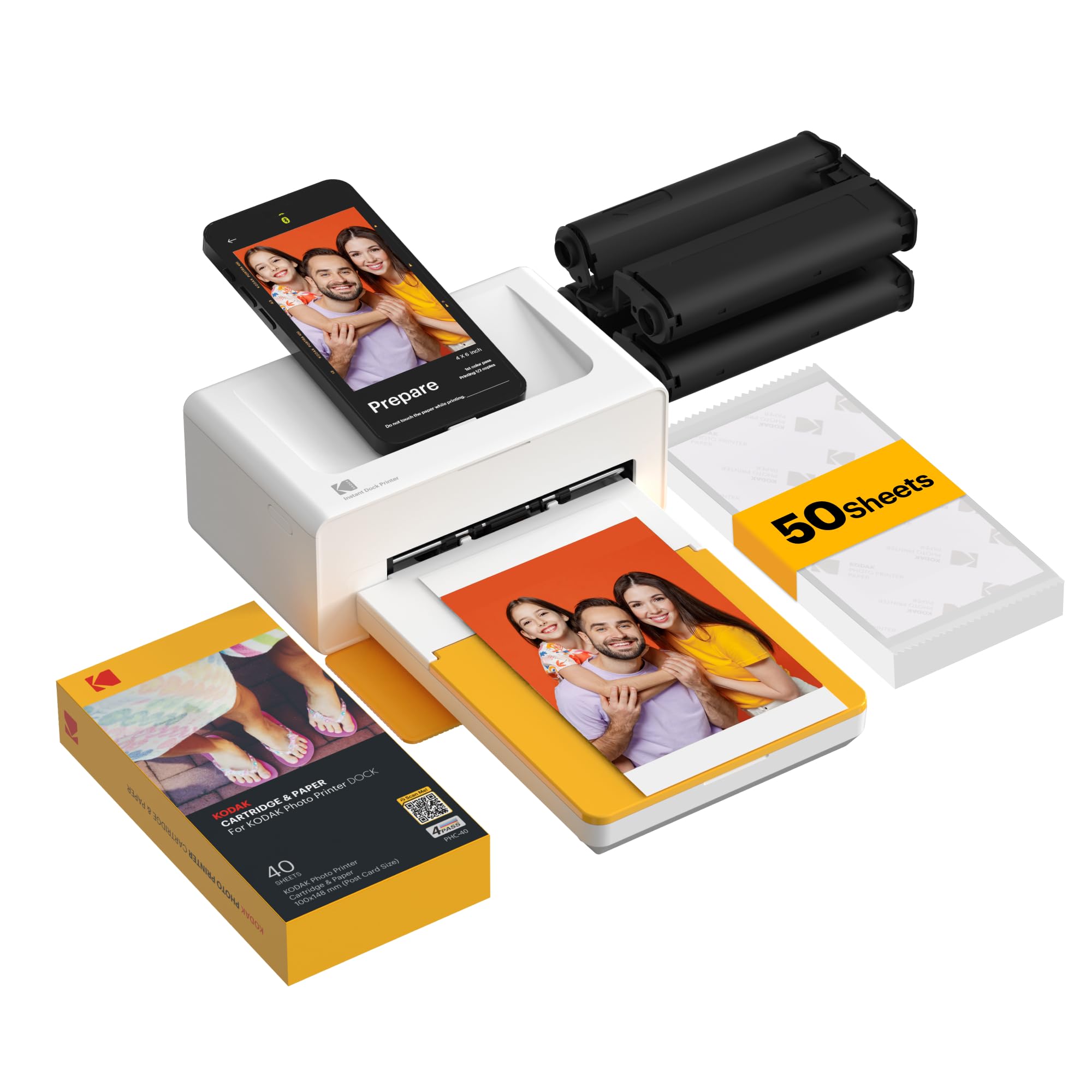
19,000+ ratings
Read Amazon ReviewsKODAK Dock Plus 4x6 Photo Printer
Choose the HP if its Wi-Fi app workflow and creative editing options fit your routine. Consider the KODAK if a physical phone dock, charging while printing, and a larger included paper supply are more useful to you.
- The KODAK Dock Plus prints 4x6 photos using Bluetooth and includes a phone docking station that can charge a connected phone.
- Its described 4PASS process adds a clear protective layer, and it includes 50 sheets.
- The HP Sprocket Studio Plus emphasizes app-based Wi-Fi printing and customization, with 10 sheets and a cartridge included.
Desktop Photo Printers alternative
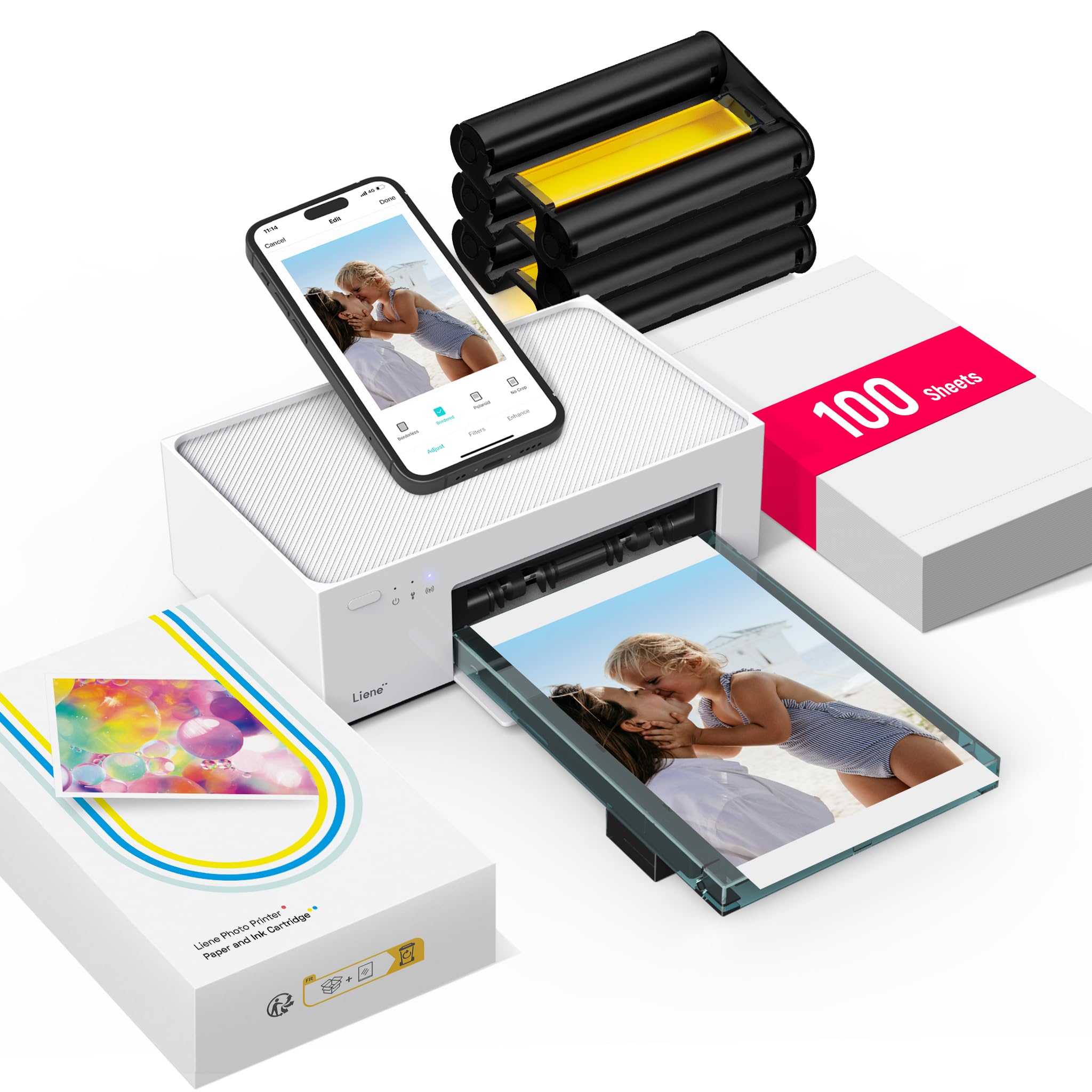
4,000+ ratings
Read Amazon ReviewsLiene M100 4x6 Photo Printer
The Sprocket Studio Plus is a reasonable choice for someone who prefers its listed creative formats and wants a modest starter pack.
The Liene M100 may suit buyers who want a larger included supply or printing from a computer as well as a phone.
- The Liene M100 includes 100 sheets and three cartridges, supports a built-in Wi-Fi hotspot, and is described as compatible with smartphones and computers.
- Its app includes borders, filters, and image adjustments.
- The HP Sprocket Studio Plus offers 4x6 phone printing over Wi-Fi and app-based creative edits, with a 10-sheet starter supply.
Is Sprocket Studio Worth It?
The HP Sprocket Studio Plus is worth considering if you want a home-focused 4x6 photo printer that works from a smartphone and offers creative edits before printing.
Its combination of Wi-Fi, app customization, and protective paper characteristics suits casual photo projects and keepsakes.
Buy it if the phone-based workflow and starter supply match your habits, and check app compatibility and replenishment supplies before purchase.
Frequent printers may prefer a package with more paper included, while occasional users can appreciate the focused, simple approach.
Your review at a glance
800+ ratings
Read Amazon ReviewsHP Sprocket Studio Plus
A home photo printer for smartphone users who want customizable 4x6 prints with a dry-to-touch finish and protective paper.
- Prints color photos at 4x6 inches directly from a smartphone.
- Connects to a Wi-Fi-enabled printer through the HP Sprocket app.
- The app offers stickers, frames, filters, and other customization before printing.
- Supports creative formats and uses such as collages, photobooth images, and photo IDs.